IzyMaps: Building a Shopify Store Locator App
How I built IzyMaps, a simple yet powerful Google Maps store locator app for Shopify merchants. From single-location stores to multi-location retailers, making it easy for customers to find your business.
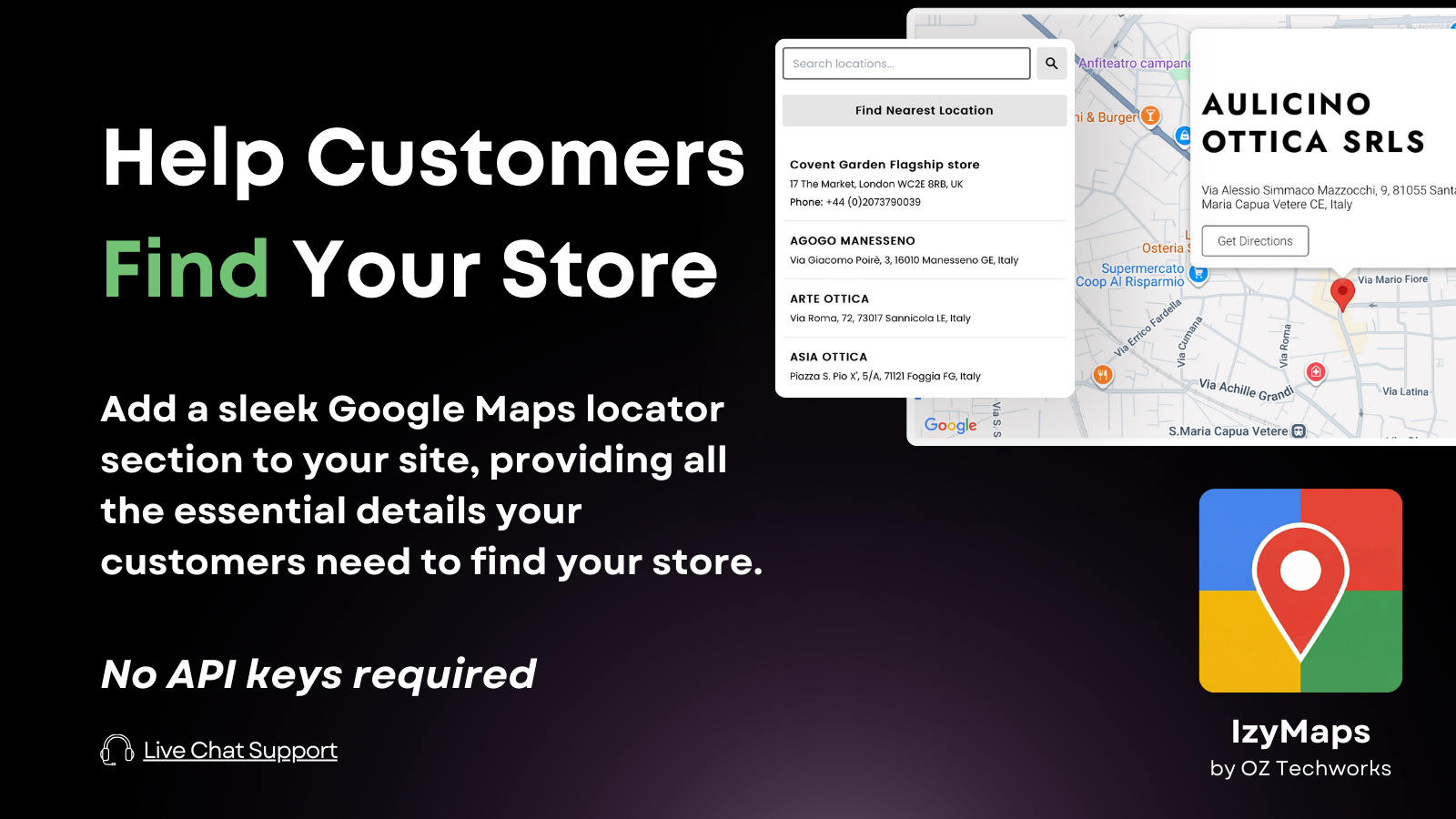
After building Beachin' Rentals and integrating it with Shopify, I noticed a recurring pain point among merchants: adding a simple, good-looking store locator to their website was surprisingly difficult. Existing solutions were either overly complex, required technical knowledge to set up, or were ridiculously expensive for such simple functionality. This frustration led me to build IzyMaps, a straightforward and affordable Google Maps store locator for Shopify.
The Problem
When customers visit an e-commerce store, one of the most common questions is: "Where can I find you?" Whether it is a single boutique, a chain of retail stores, or a network of partner locations, merchants need an easy way to display their physical presence on a map.
Most existing store locator apps fall into two categories:
- Overly complex enterprise solutions that require API keys, extensive configuration, and high technical expertise.
- Basic tools that look outdated, offer limited customization, and often carry hefty monthly price tags that do not match the value provided.
I wanted to create something in between: a polished, feature-rich solution that anyone could set up in minutes without writing a single line of code or breaking the bank.
The Solution: IzyMaps
IzyMaps is designed with simplicity and value at its core. The app integrates directly into Shopify's theme editor as a native app block, which means merchants can add a store locator to any page with just a few clicks.
Single Location: Keep It Simple
For stores with just one location, IzyMaps offers a clean, minimalist map display. Merchants simply enter their address, and the map automatically centers on their location. They can add business hours, phone numbers, and other details that appear alongside the map.
The design philosophy here is straightforward: show customers exactly what they need (where you are and how to reach you) without any unnecessary clutter.
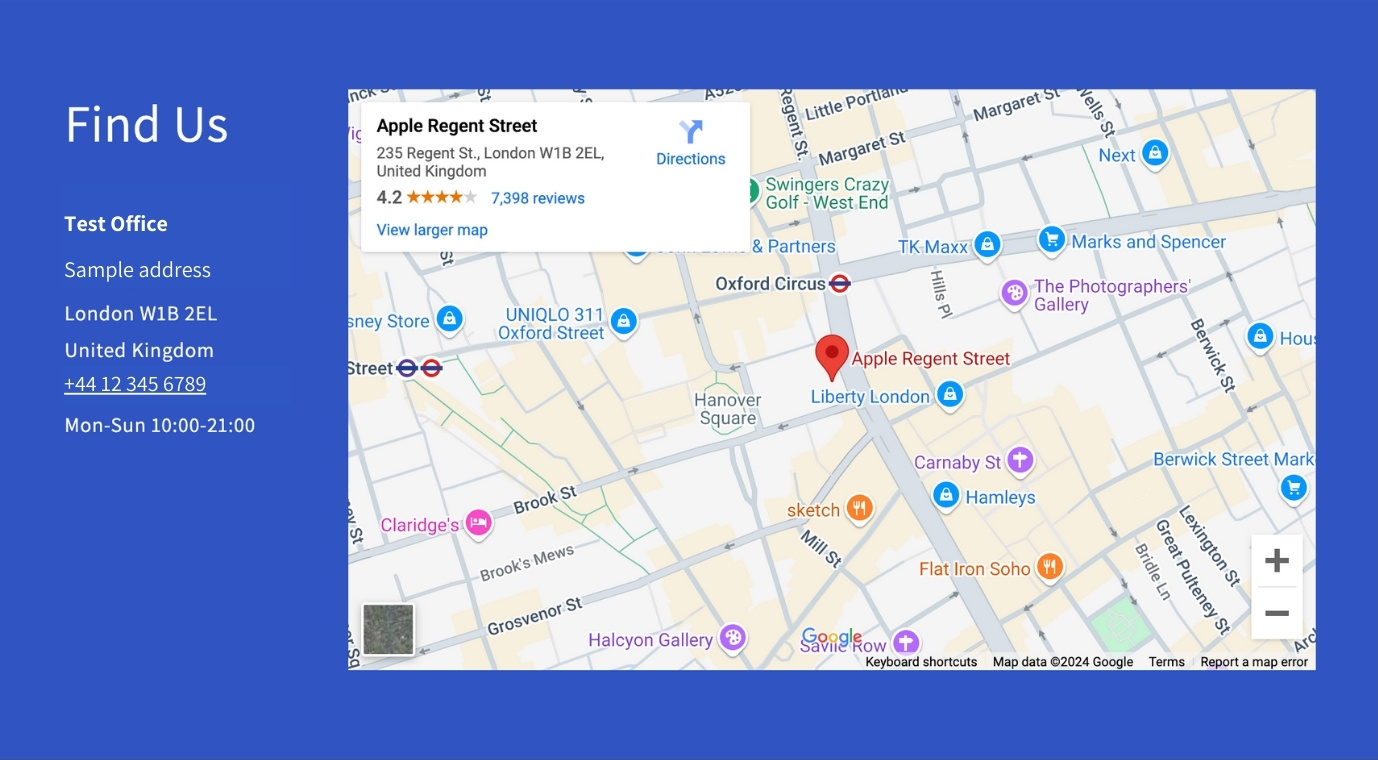
Single location map on a desktop browser.
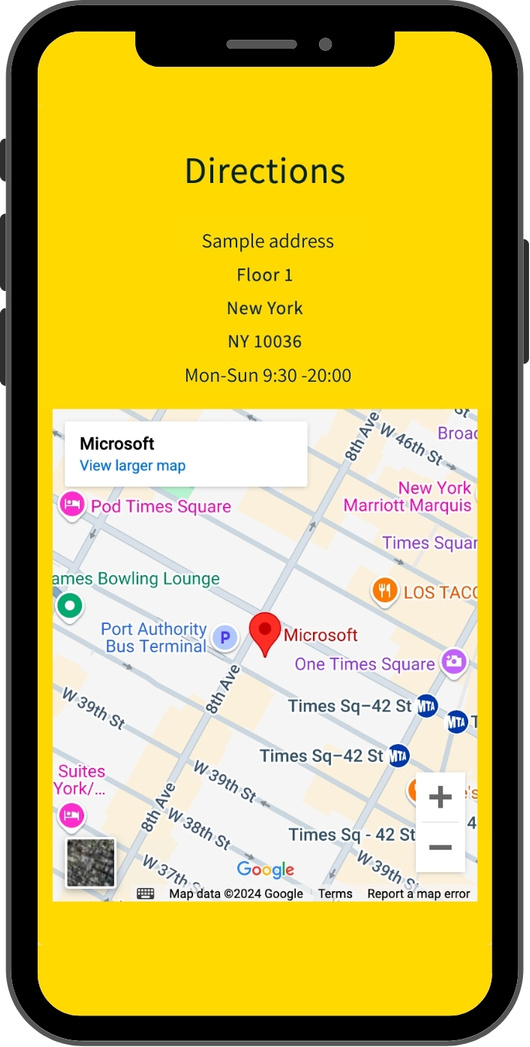
Mobile-first single location map.
Multiple Locations: Powerful Features
For merchants with multiple locations, IzyMaps scales up with advanced features:
- Search functionality: Customers can search by name, city, or address to find the right store.
- Auto-location detection: The app can automatically find and highlight the nearest store based on the customer's location.
- Filtering by tags: Stores can be categorized (for example: "Retail", "Partner Store", or "Warehouse") allowing customers to filter results.
- Bulk CSV upload: For merchants with dozens or hundreds of locations, bulk importing via CSV saves hours of manual entry.
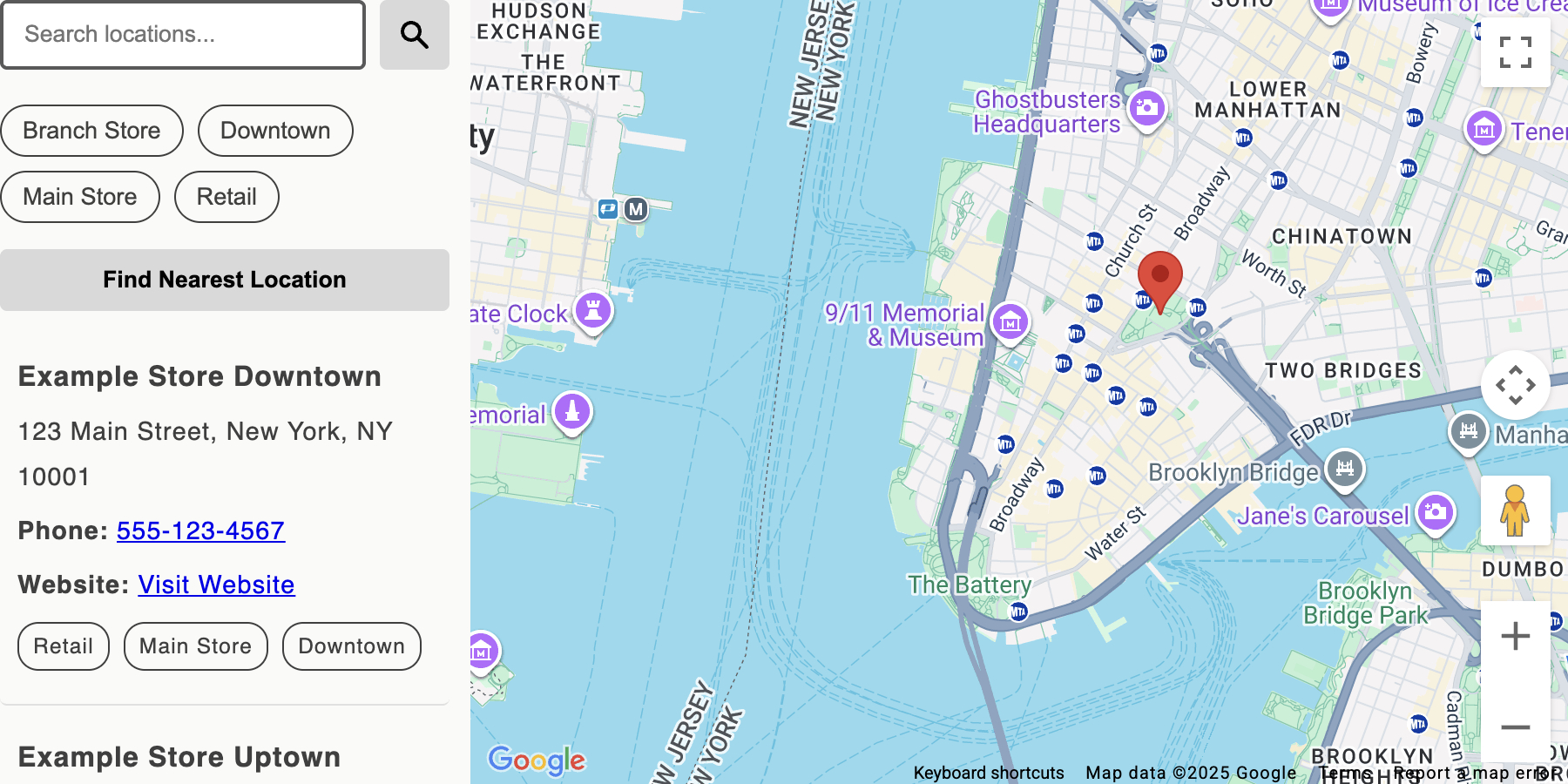
Multi-store map on a desktop browser.

Mobile-first multi-store map.
Technical Implementation
Under the hood, IzyMaps leverages Shopify's app extensions and metafields to store location data. The frontend is built as a Liquid theme extension with vanilla JavaScript for the interactive map components.
One of the interesting challenges was geocoding: converting addresses to latitude/longitude coordinates. Rather than requiring merchants to obtain their own Google Maps API keys, I built a server-side geocoding service with intelligent caching. This approach offers several benefits:
- Keeps the setup process simple for merchants.
- Reduces API costs through aggressive caching (results are stored for 7 days).
- Provides fallback options for high-volume users who want to use their own API keys.
The app leverages Shopify's managed pricing for simplicity, offering a transparent and fair subscription model:
| Plan | Price | Features |
|---|---|---|
| Free | $0 | Single location with watermark |
| Basic | $2.99/mo | Single location, no watermark |
| Growth | $9.99/mo | Up to 10 locations, search, auto-locate |
| Pro | $19.99/mo | Unlimited locations, CSV bulk upload, 24/7 support |
Customization Without Complexity
A key design goal was making the app customizable without overwhelming users with options. The theme editor integration allows merchants to:
- Choose from multiple map styles (Default, Pastel, Silver, Night, Minimal).
- Customize colors to match their brand.
- Adjust padding, layout, and responsive behavior.
- Add custom CSS for advanced users.
All of this happens through Shopify's native theme customizer, so there is no separate admin panel to learn.

Theme extension editor for single location map.
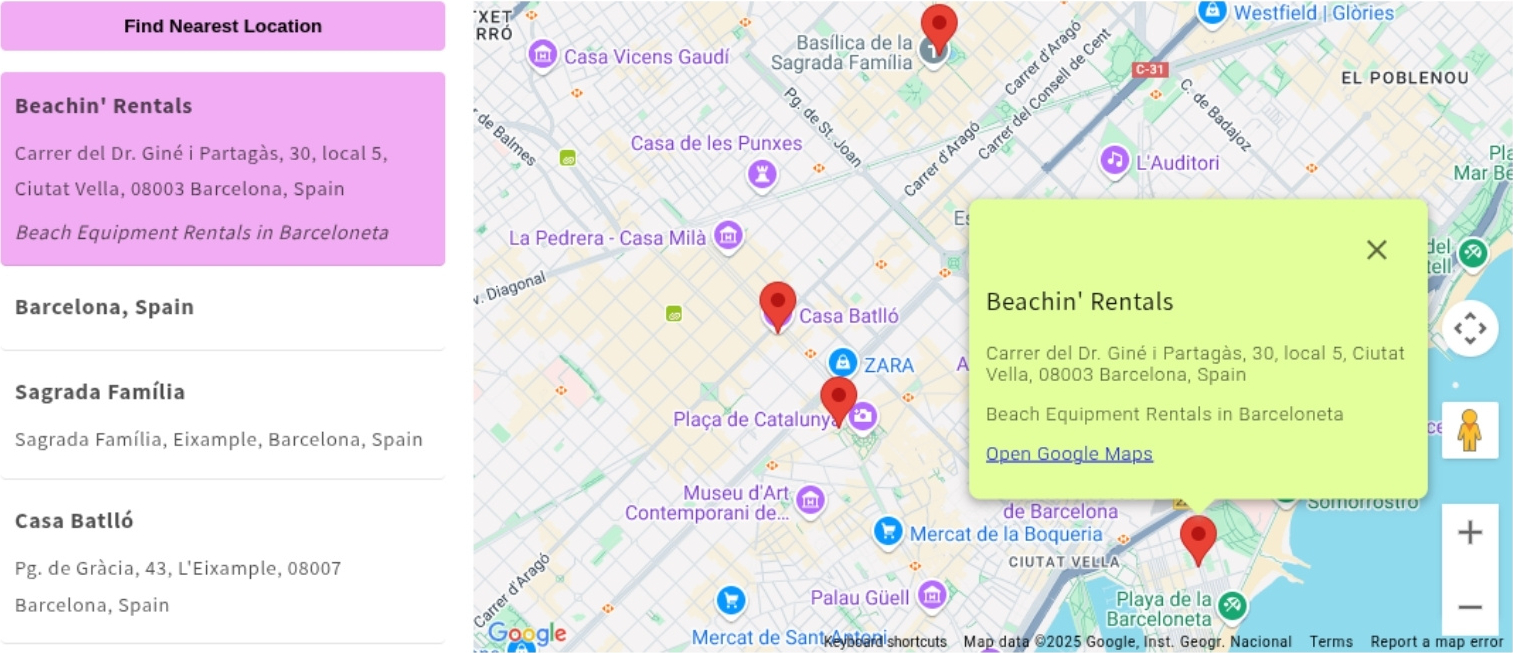
Fancy theme for multi-store map.
Lessons Learned
Building IzyMaps reinforced several product development principles:
Start with the simplest use case. The single-location map was the first feature I built. It is the most common need, and getting it right established the foundation for everything else.
Dogfooding works. Using IzyMaps on the Beachin' Rentals store helped me identify UX issues that I would not have noticed otherwise.
Pricing is critical. Finding the right balance between free tier limitations and paid features took several iterations. It confirmed that there is a high demand for tools that provide utility without the "enterprise" price tag.
Support matters. Even for a "simple" app, merchants have questions. Building comprehensive documentation and being responsive to support emails has been crucial for maintaining good reviews.
What's Next
IzyMaps is now live on the Shopify App Store. Future plans include:
- Additional map providers (Mapbox, OpenStreetMap) for merchants who prefer alternatives to Google.
- Store hours with holiday schedules.
- Integration with inventory systems to show product availability by location.
- Analytics dashboard showing which locations get the most views.
If you are a Shopify merchant looking for a straightforward, affordable way to add a store locator to your site, give IzyMaps a try. If you have feedback or feature requests, I would love to hear from you at info@orestis.ch.